
Halfslap Story
A place for the story.
And the pictures.
Halfslap Story is a browser-based application combining storyboard drawing, screenplay editing and Smart Convert.
Plan a scene in frames. Find its words on the page. Keep both in the same project, without an account.
Open StoryNo sign-up. The editor is currently free to use.
01 / Board
Think in frames.
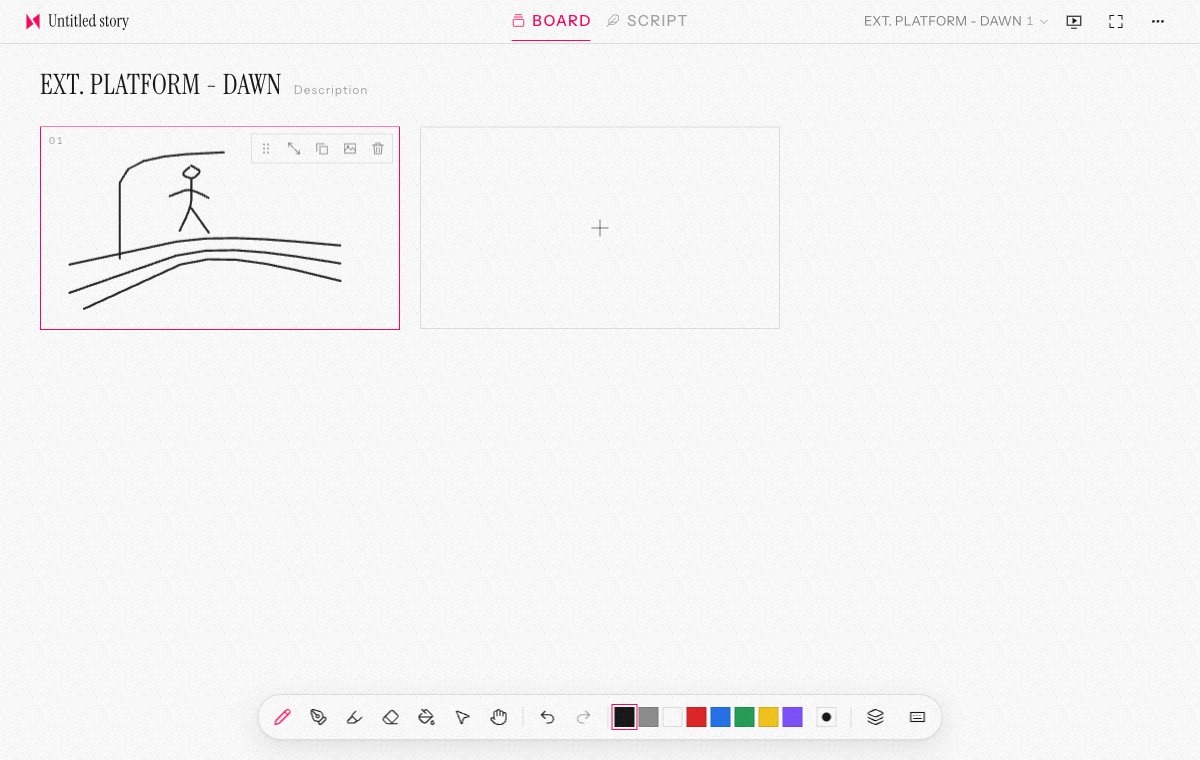
Draw storyboards online, frame by frame. Sketch with drawing tools and layers, bring in reference images, and arrange frames into scenes. Add notes, present the storyboard, or export a scene as a PDF sheet.
02 / Script
Find the scene on the page.
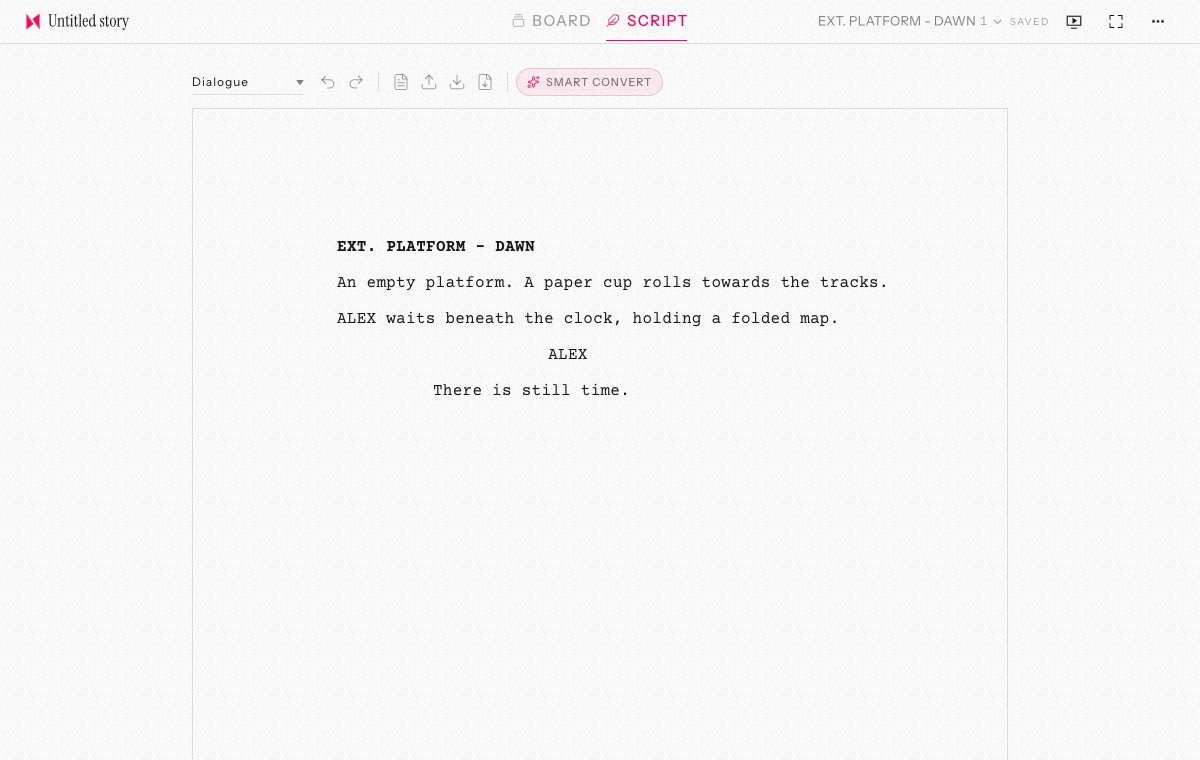
Write a screenplay in your browser with scene headings, action, character cues and dialogue. Switch between Script and Board to work on the words and frames of the same scene. Both are saved within one project.
03 / Smart Convert
Your words, given structure.
Smart Convert uses AI to arrange rough scene writing into screenplay elements. It works from your words rather than writing a new story for you. Review the result: it can misread a speaker or a cue.
The model runs on your device in a WebGPU-capable browser. First use requires downloading model files from a third-party host; availability depends on your browser and hardware. Your draft is not sent to an inference service. See the privacy policy for details.
04 / Save & export
Keep a copy of what matters.
Projects save automatically in this browser, on this device. There is no cloud sync or hosted backup. Clearing site data can remove your work.
Export a project file to keep its scenes, drawings and script together, then import it when you need it. Export the screenplay as Fountain or PDF, or a storyboard scene as a PDF sheet.
To begin, open Story and choose New project. Start with a frame or a line.